YouCam icon

YouCam

  10.1.2717.1
  • 1
  • 2
  • 3
  • 4
  • 5
  • 6
  • 7
  • 8
  • 9
  • 10
3.4
/ 57 ratings

The webcam application that you didn't know you needed

CyberLink Corp. | 2 more apps |
updated on December 11, 2023
Download for Windows
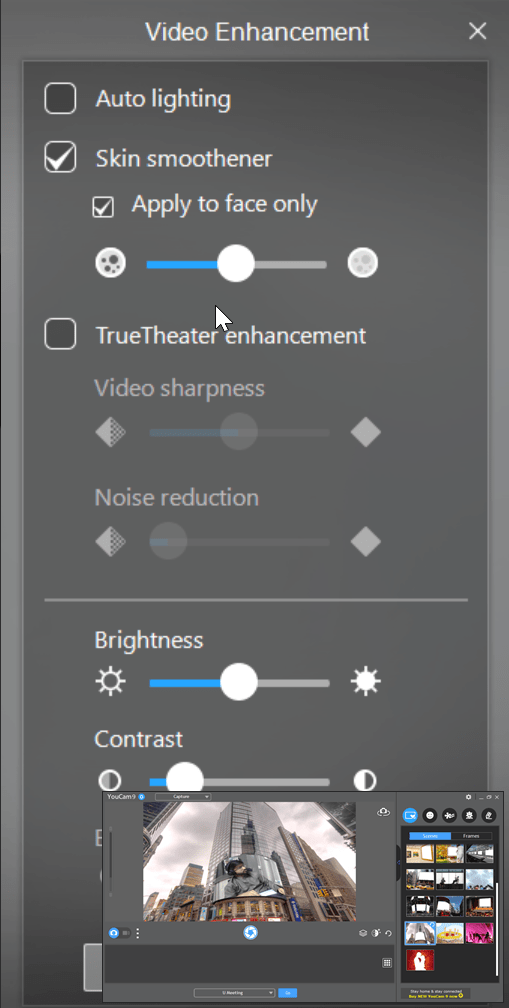
YouCam by CyberLink is more than just a simple webcam application. Essentially, YouCam functions as a social and communication tool that maximizes your webcam's capabilities by bridging your camera hardware with its own built-in software.

Creative effects

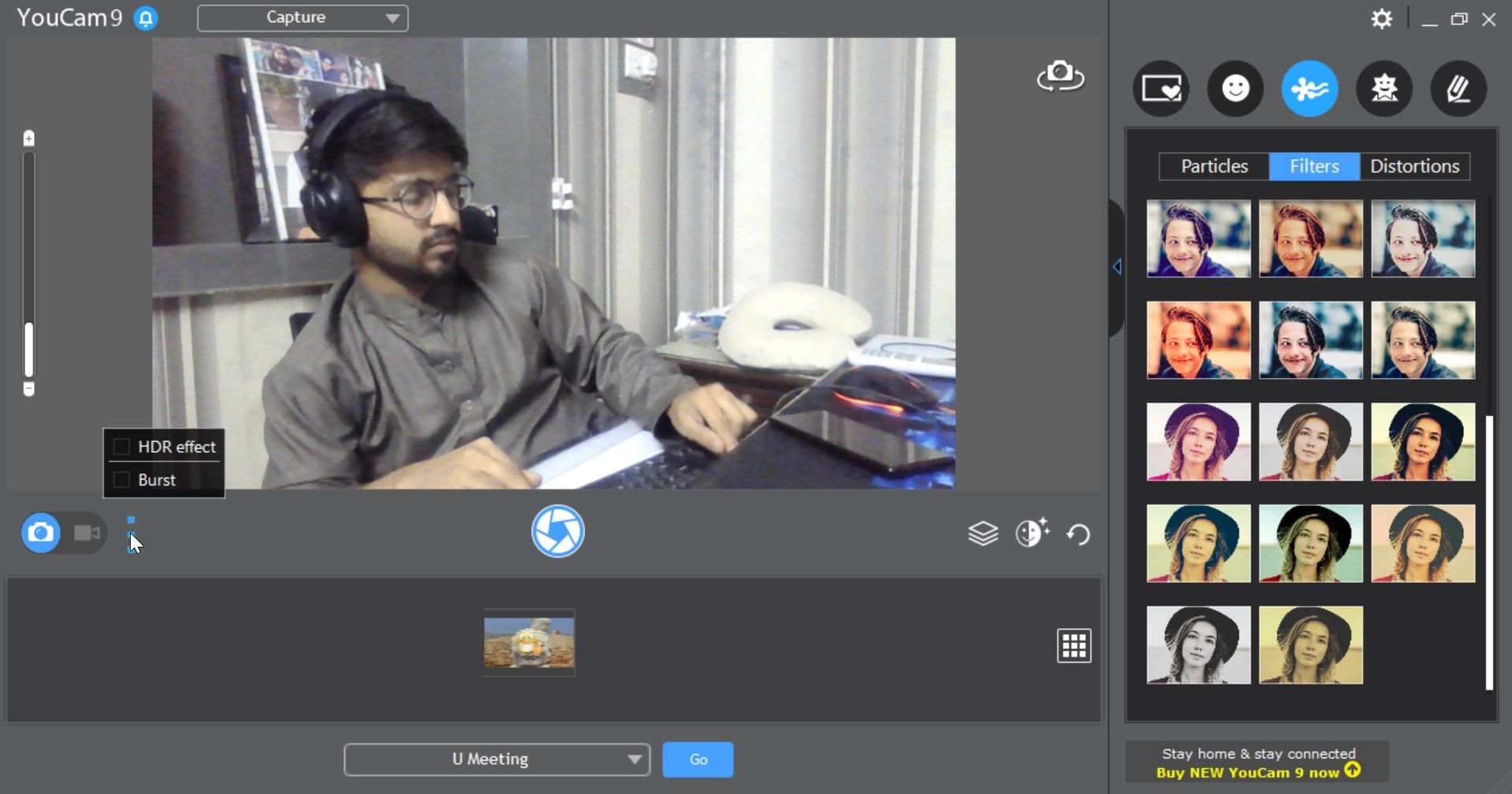
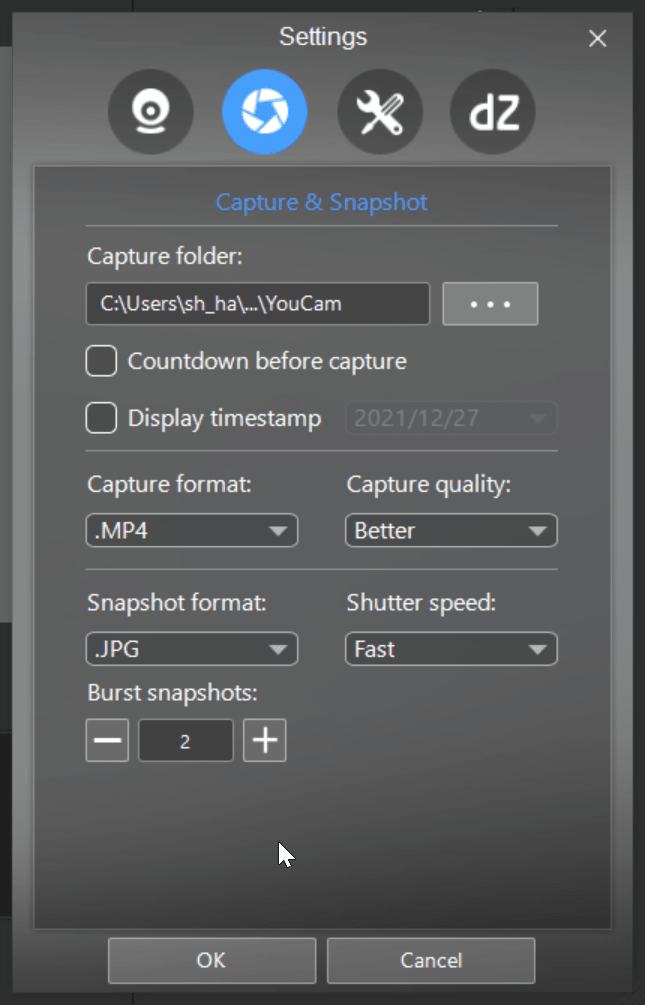
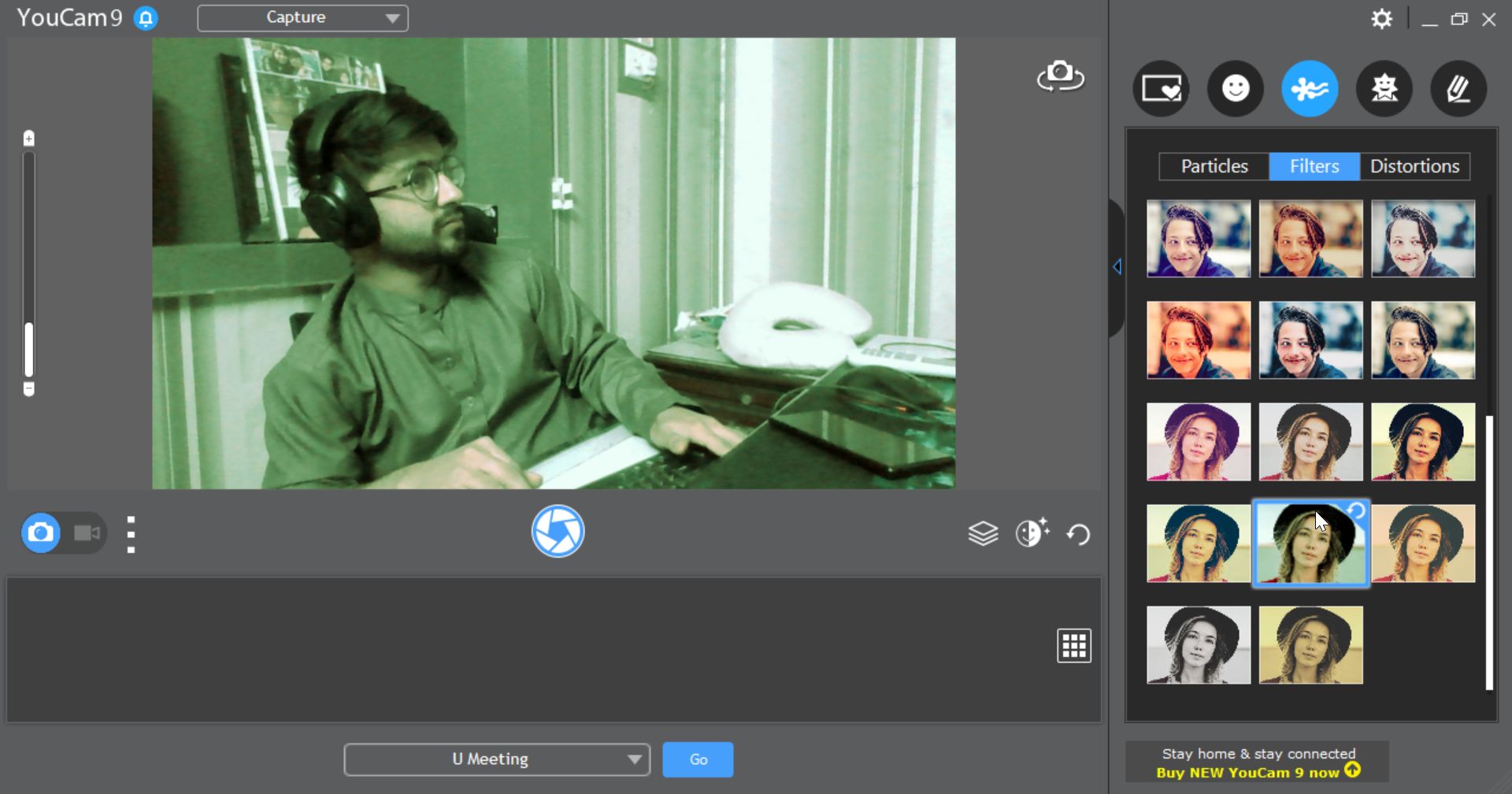
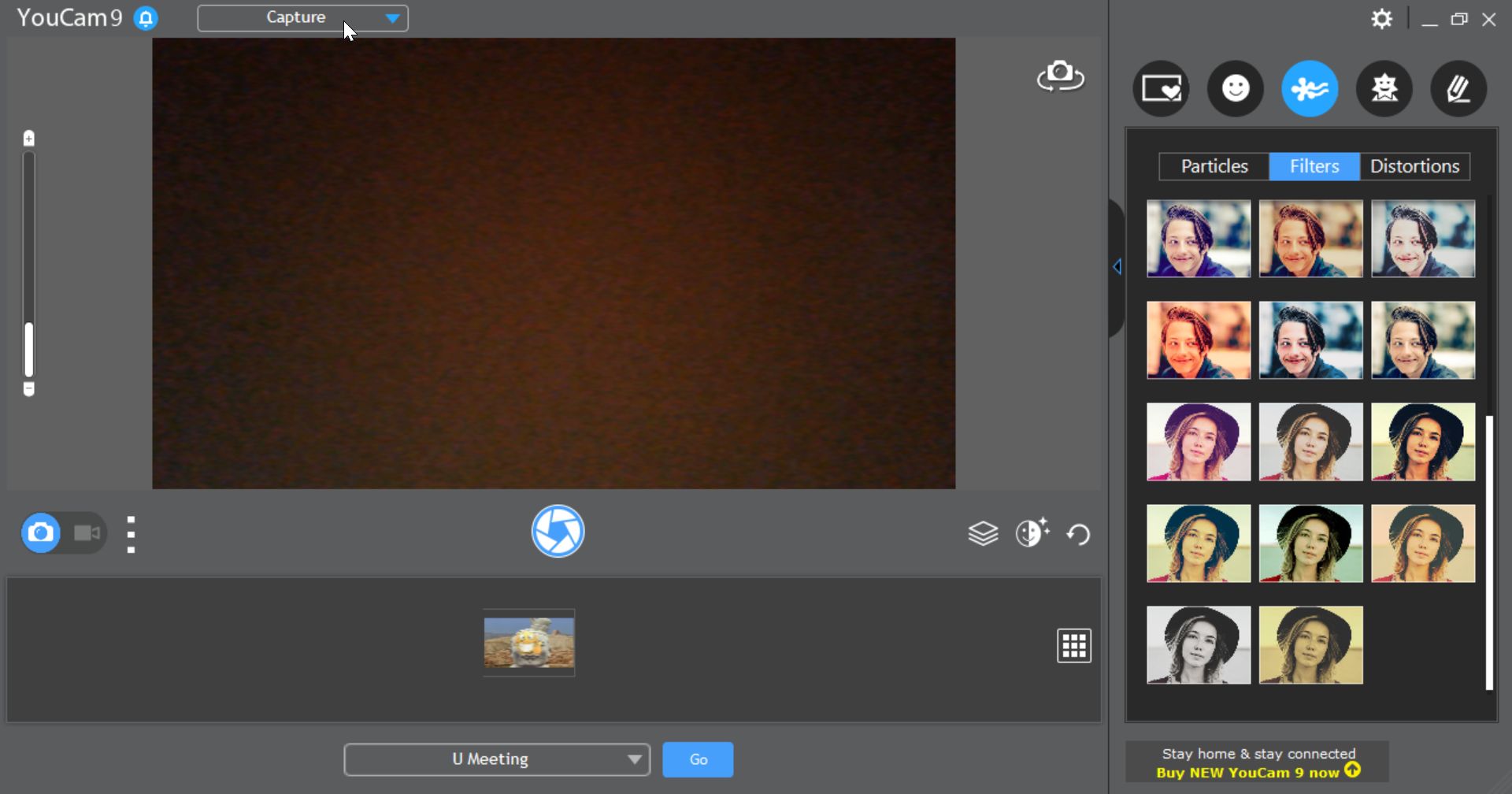
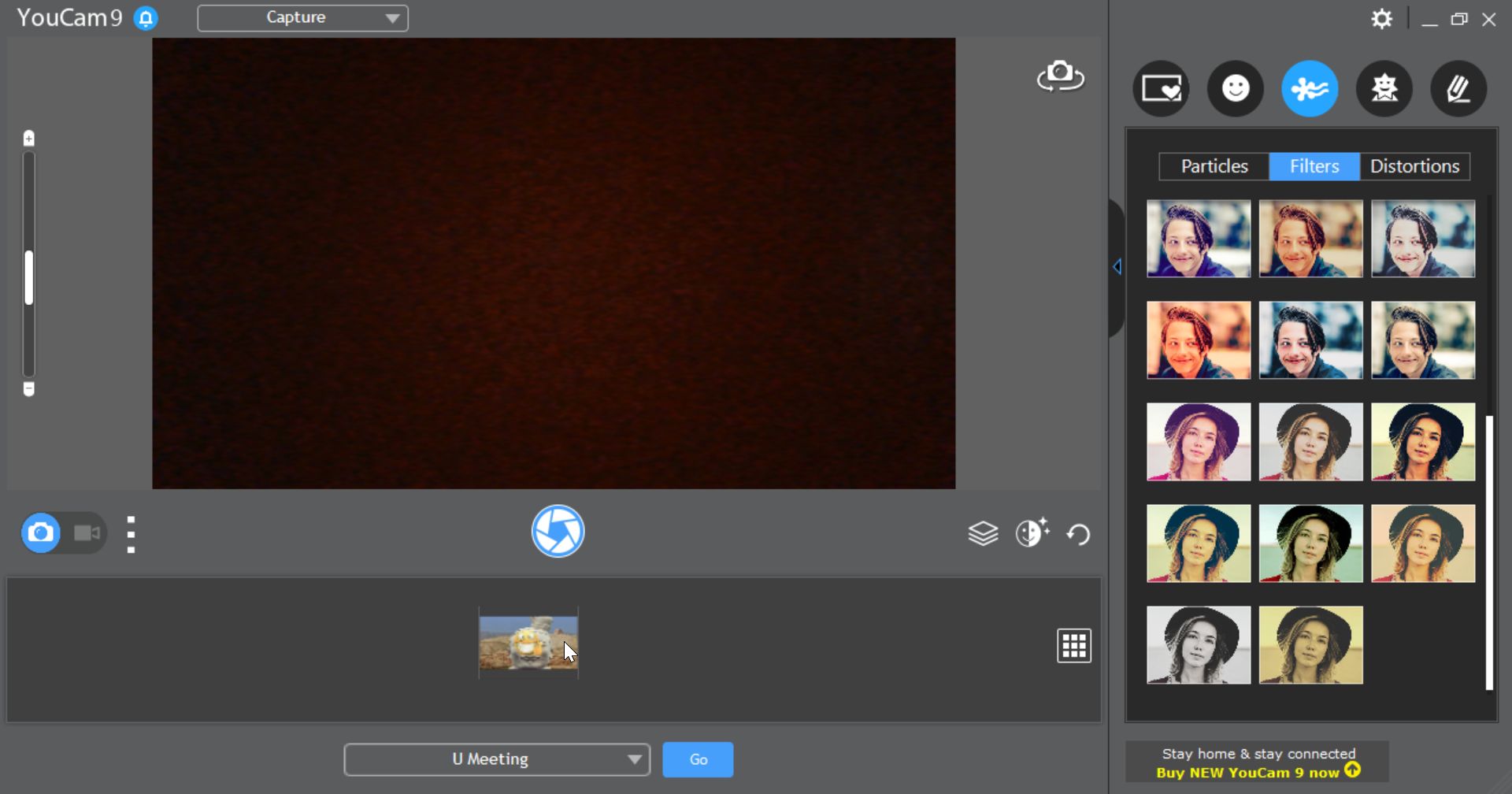
From taking simple pictures to applying special filters to your photos and videos, it provides a set of features that can genuinely enhance your experience. It is developed by CyberLink, a company widely known for its multimedia applications and solutions.

Now you might be wondering why you need YouCam in the first place, and that is a fair question. The truth is that the application provides a variety of fun features, but also a few practical options should you require them.

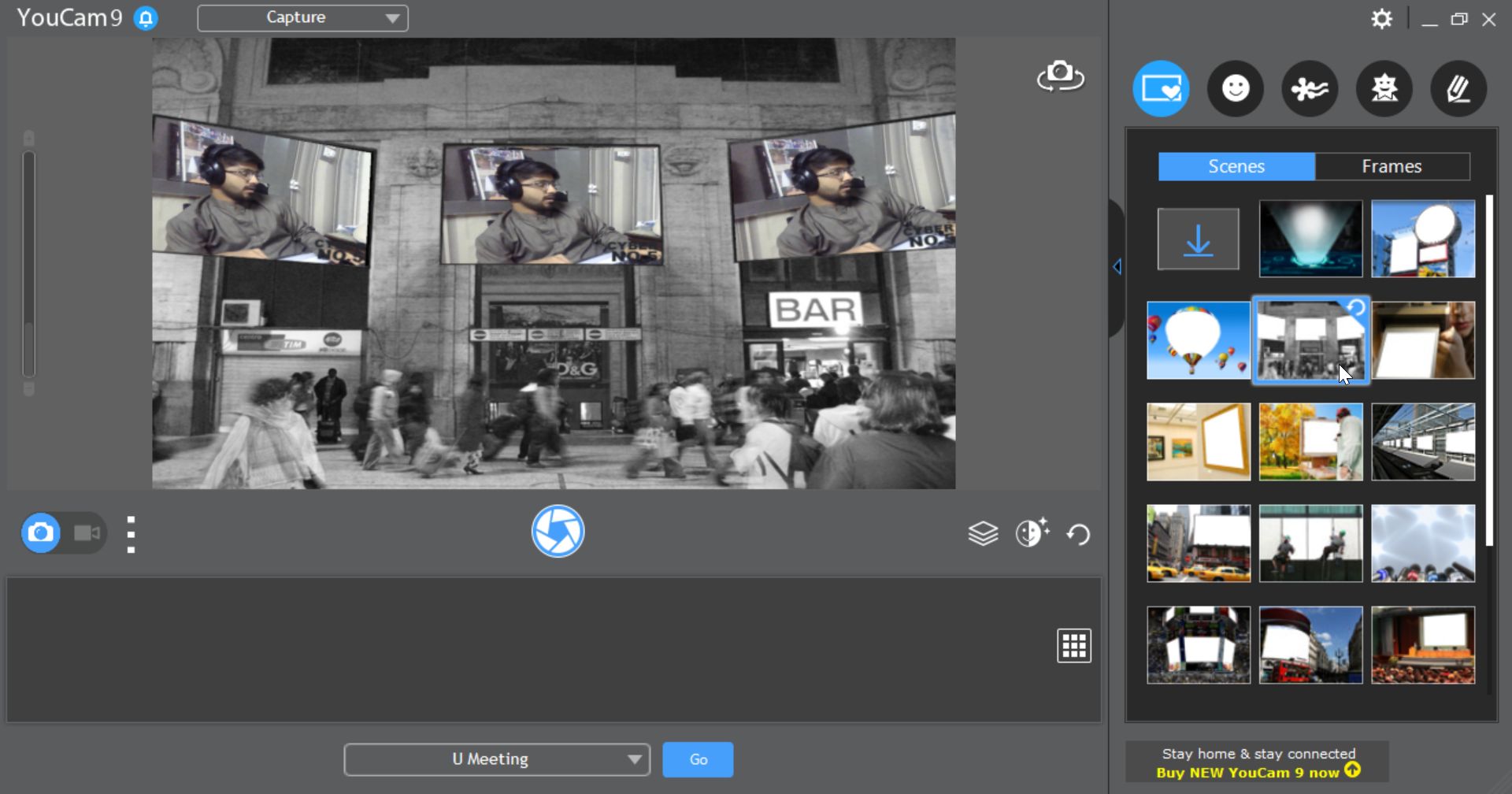
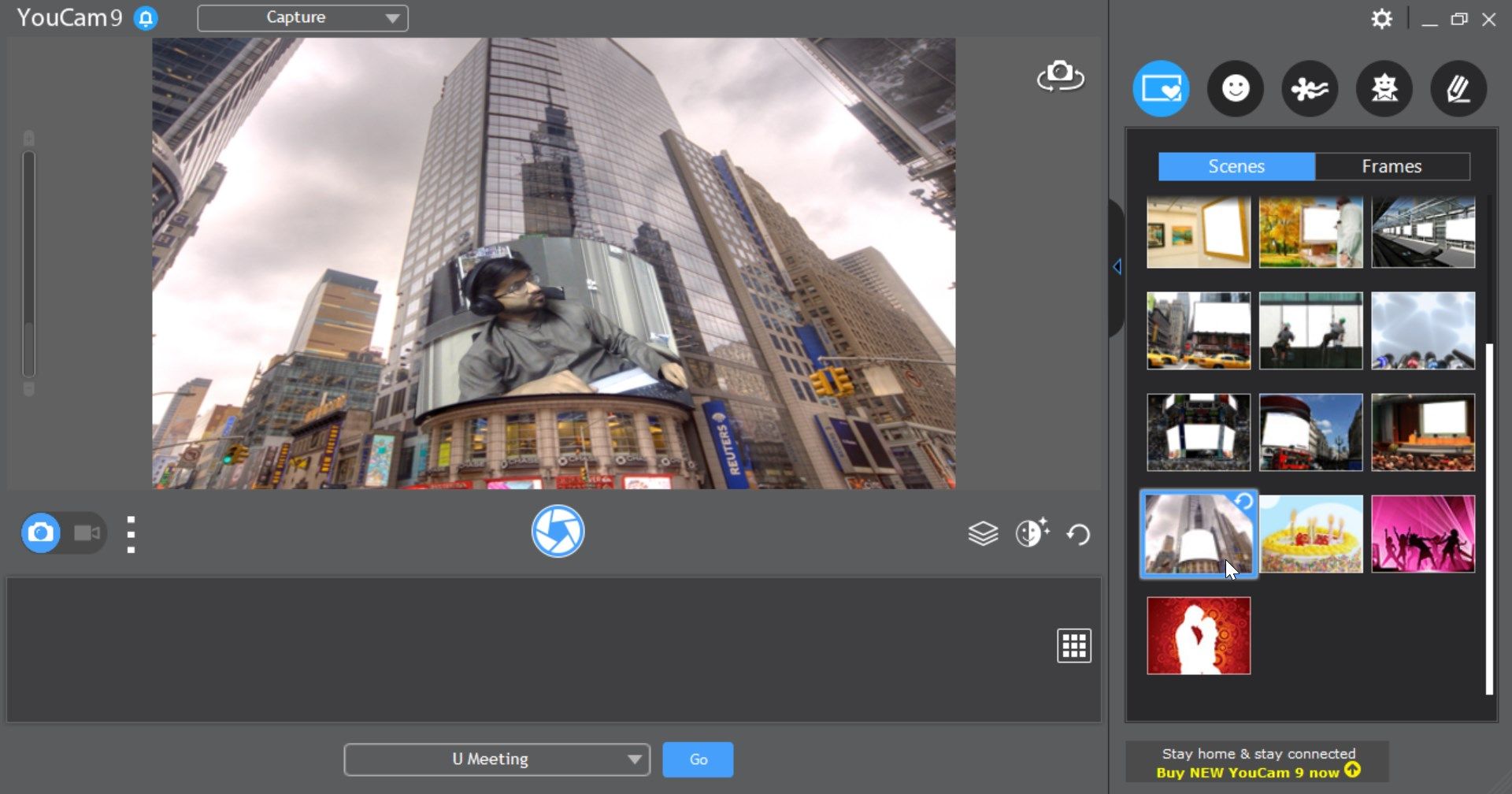
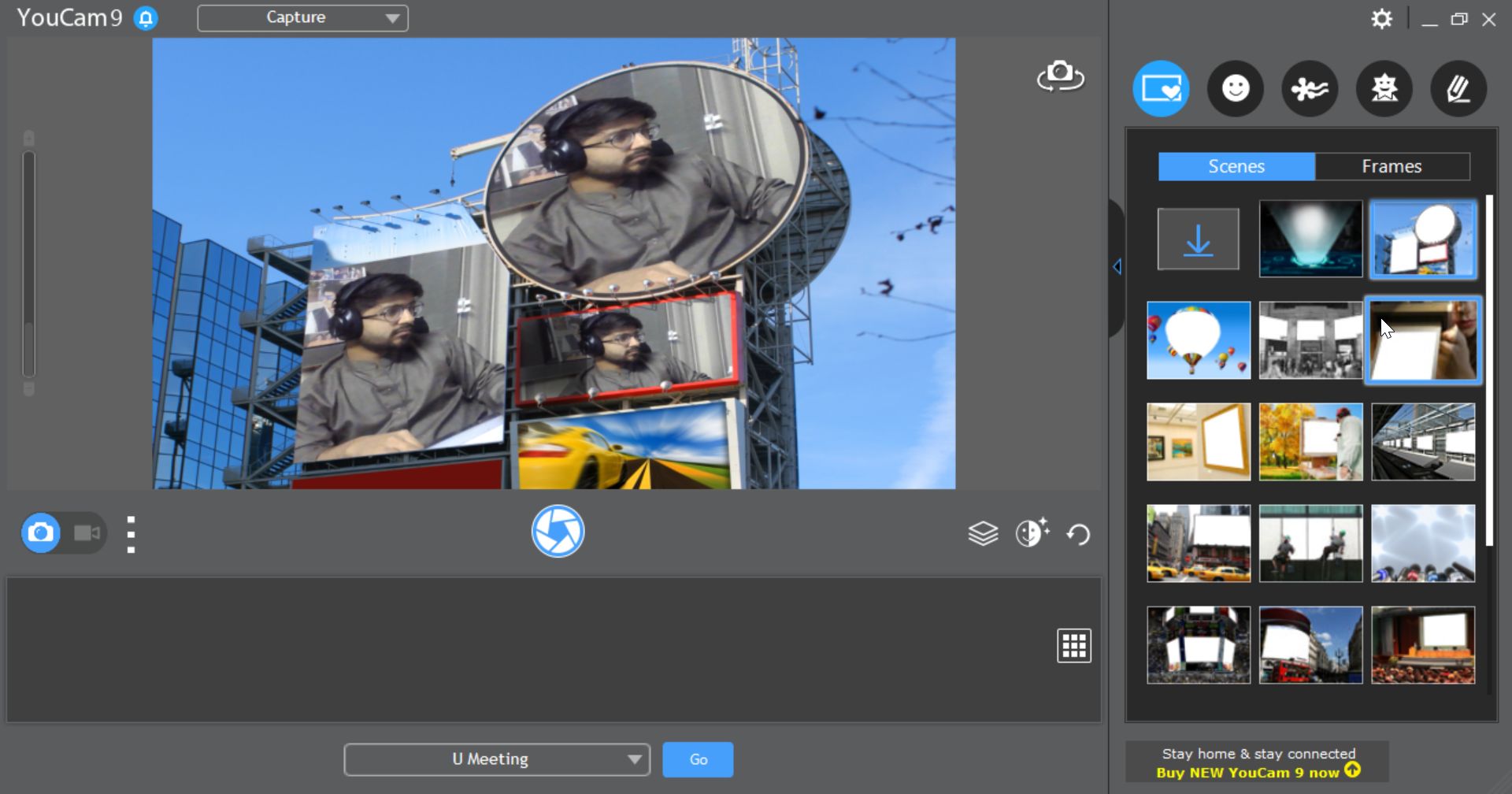
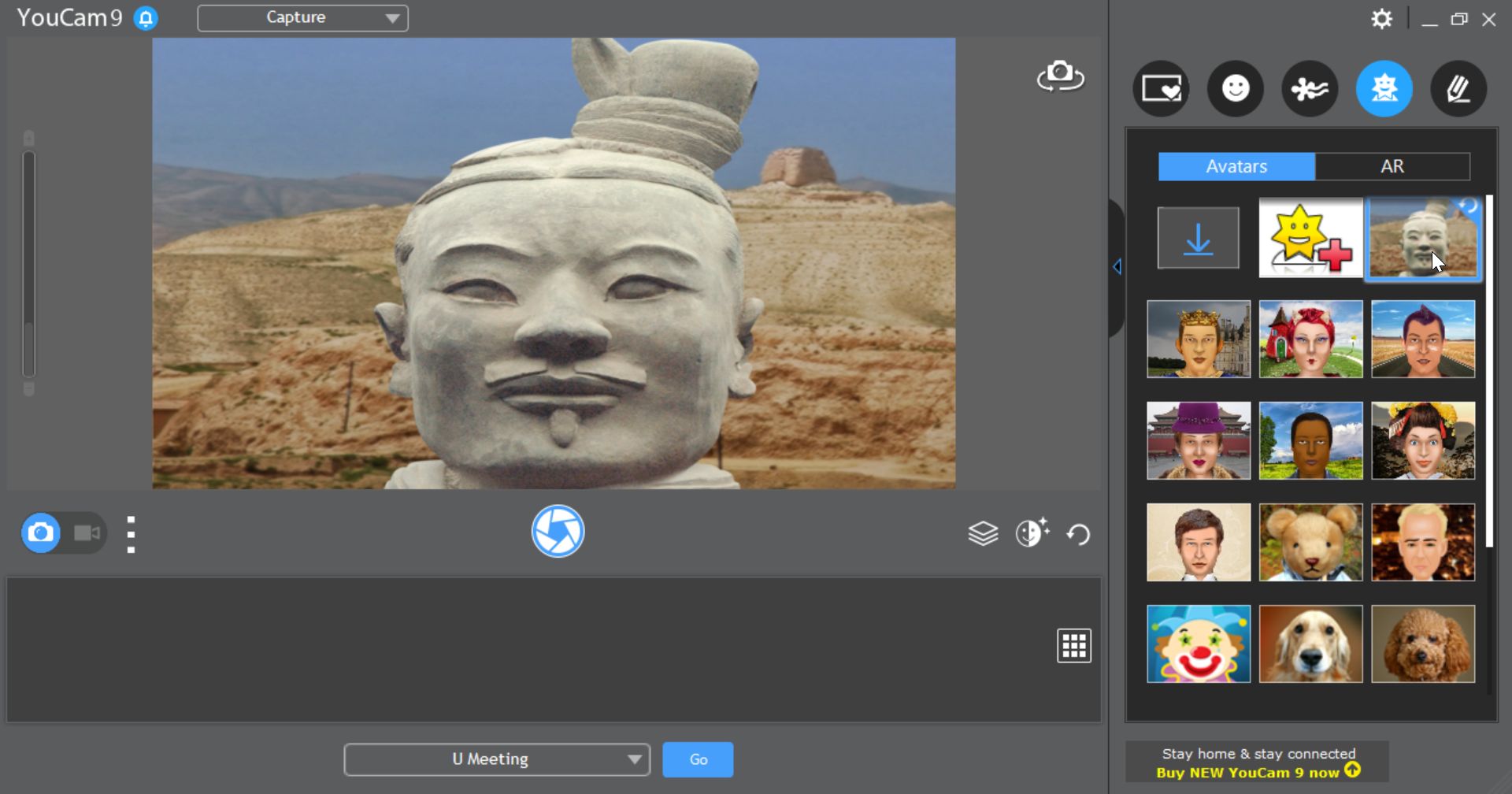
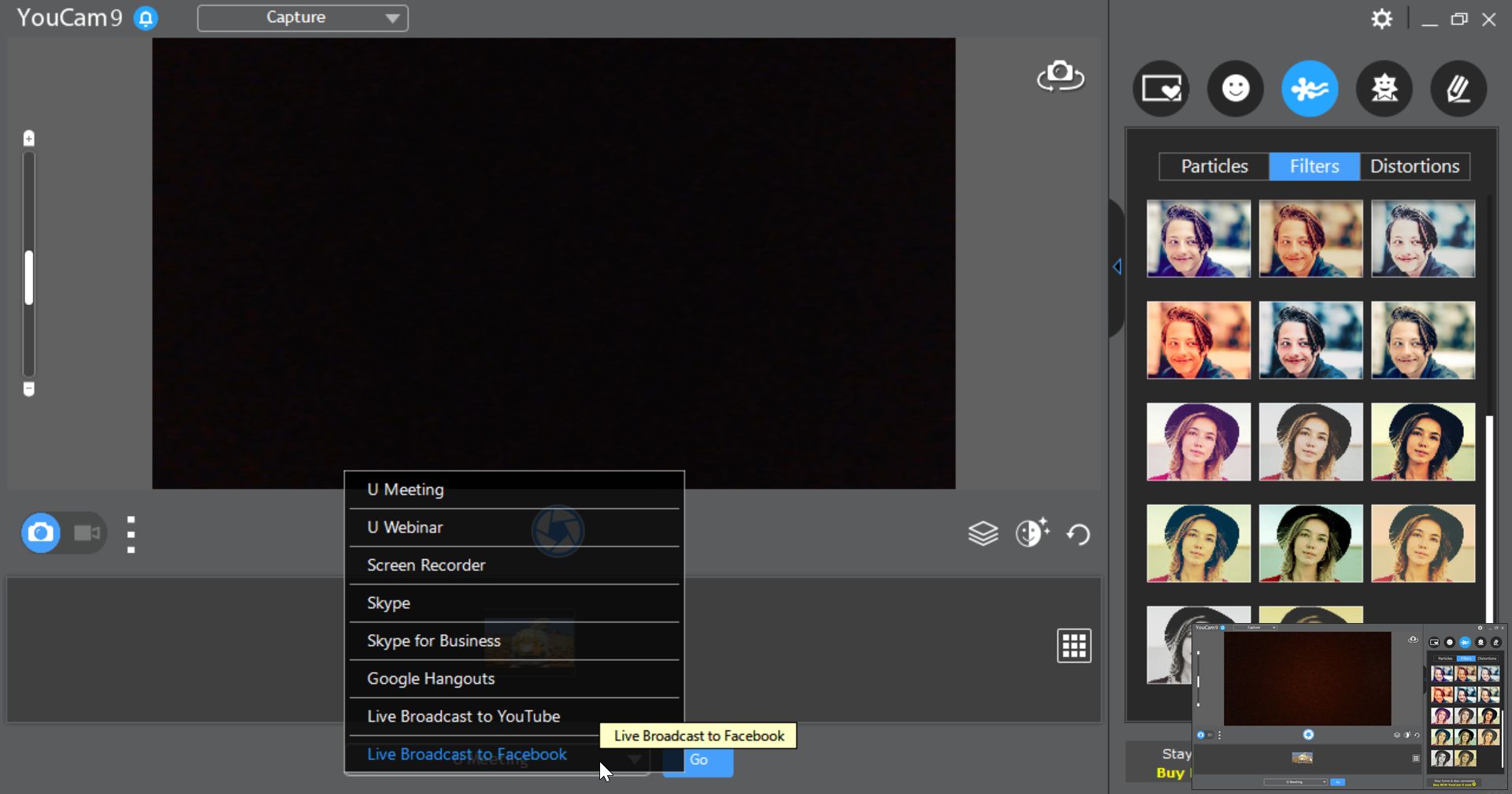
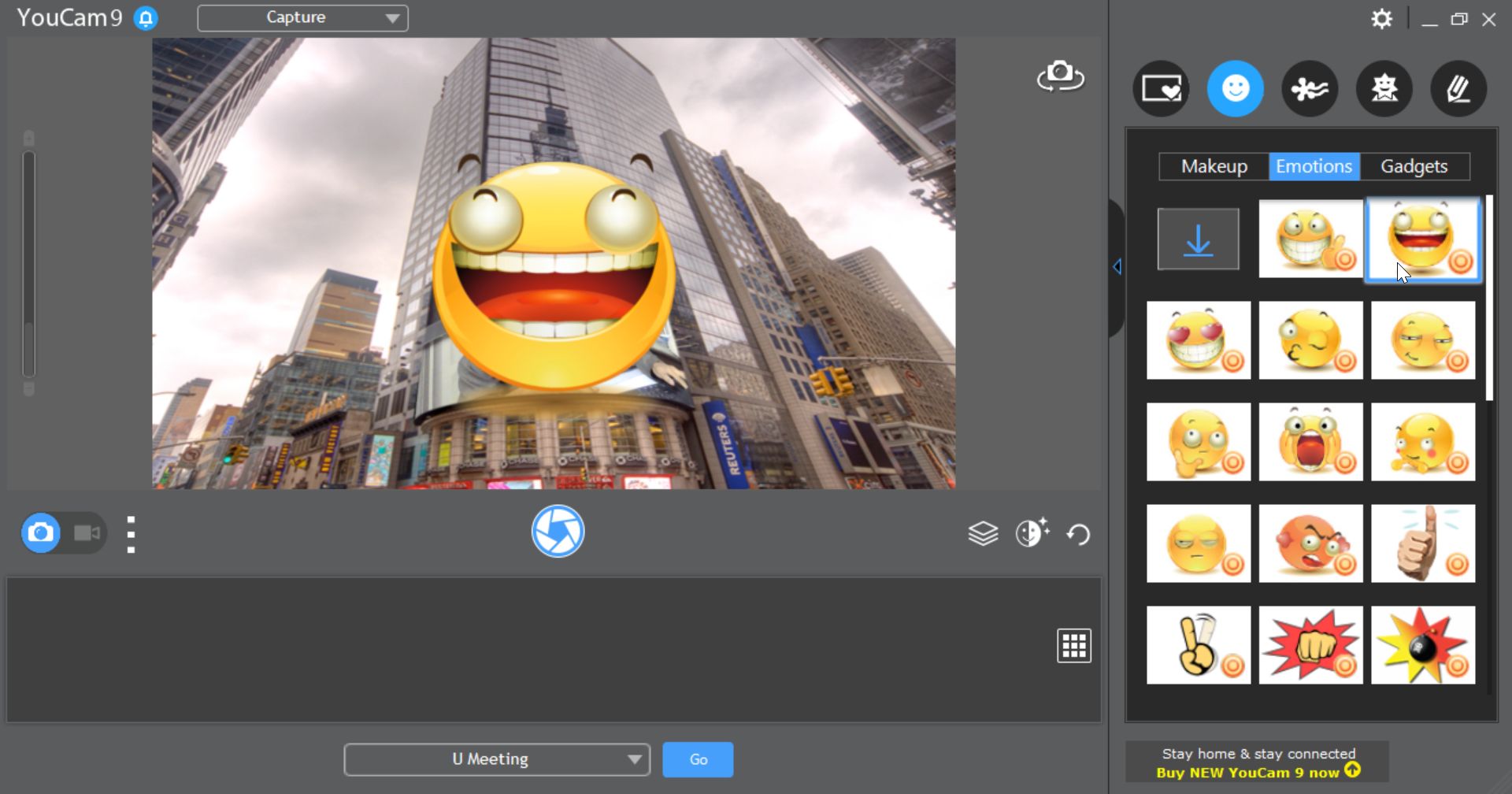
From entertaining filters, such as funny and colorful backgrounds, to fake beards and clothing items that you can apply to yourself, you have the option to use YouCam with Zoom, Microsoft Teams, and several other video conferencing applications.

Surveillance and utility

You can also use YouCam to turn your webcam into a CCTV or surveillance camera by simply buying a cheap Windows tablet and installing the software on it. It can help keep your property safe without spending a fortune. The possibilities are practically endless.

An all-in-one webcam upgrade

The application is not entirely free, but it offers a freemium model with a free "Essential" version that you can use to test everything out. YouCam includes a ton of filters and 3D objects that you can add to your videos and photos to take them to the next level.

Despite all the modern AR-related tools, the core appeal remains its effective ability to upgrade your webcam and make your photos look great. Keep in mind that the free version does come with limited features.

CyberLink YouCam is a highly capable application that does much more than basic webcam activities. If you are hunting for a solid camera tool that provides filters, virtual 3D objects, and useful effects, then YouCam is an excellent choice.
Hamza Sadiq
Hamza Sadiq
App tester and reviewer
★★★★★
★★★★★

Pros

  • Supports HD video
  • Works with popular video conference apps like Zoom, Teams, and Google Meet
  • Includes great background and AR filters
  • Can also be used for video surveillance

Cons

  • Some effects and filters feel dated
  • Might not be necessary for everyday users
LicenseFree
Licence limitations The free version has limited functionality; the Premium version has a 30-day trial
Minimum requirements• Microsoft Windows 10, 8/8.1, 7
• Intel Core™ i5 or AMD Ryzen®
• Intel® HD Graphics, or equivalent models
view more...
• 1024 x 768 pixels screen resolution, 16-bit color
• 4 GB RAM
• Web camera (built-in or external USB)
• 1 GB of disk space
• Internet connection
Previous versions
Operating systemWindows
Supported languagesAvailable in multiple languages
DownloadsTotal: 1836
Last week: 13
Download for Windows